Two-factor codes that stay yours.
Sign-in codes, even offline. Connect your Kryon account for encrypted sync across your devices.
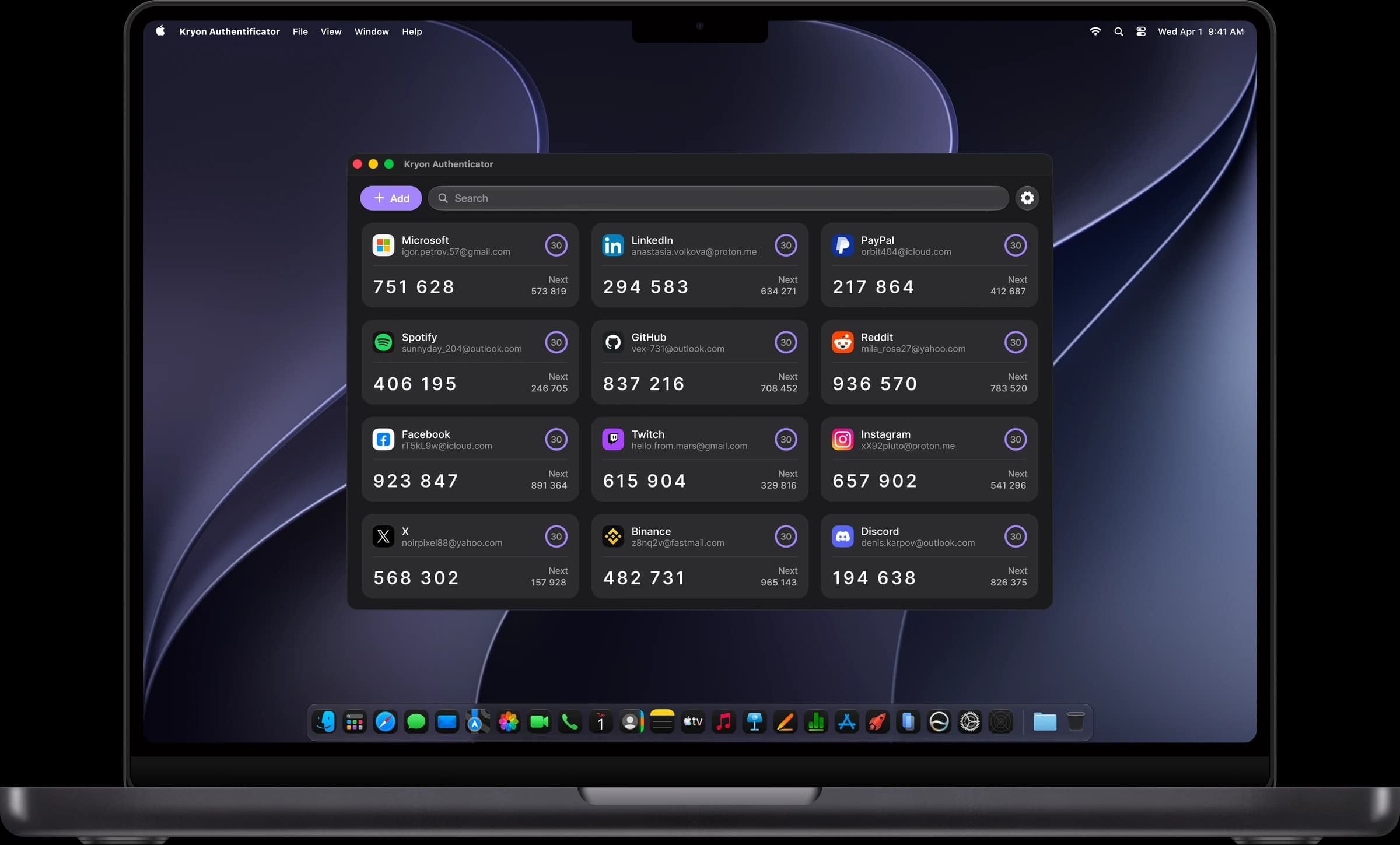
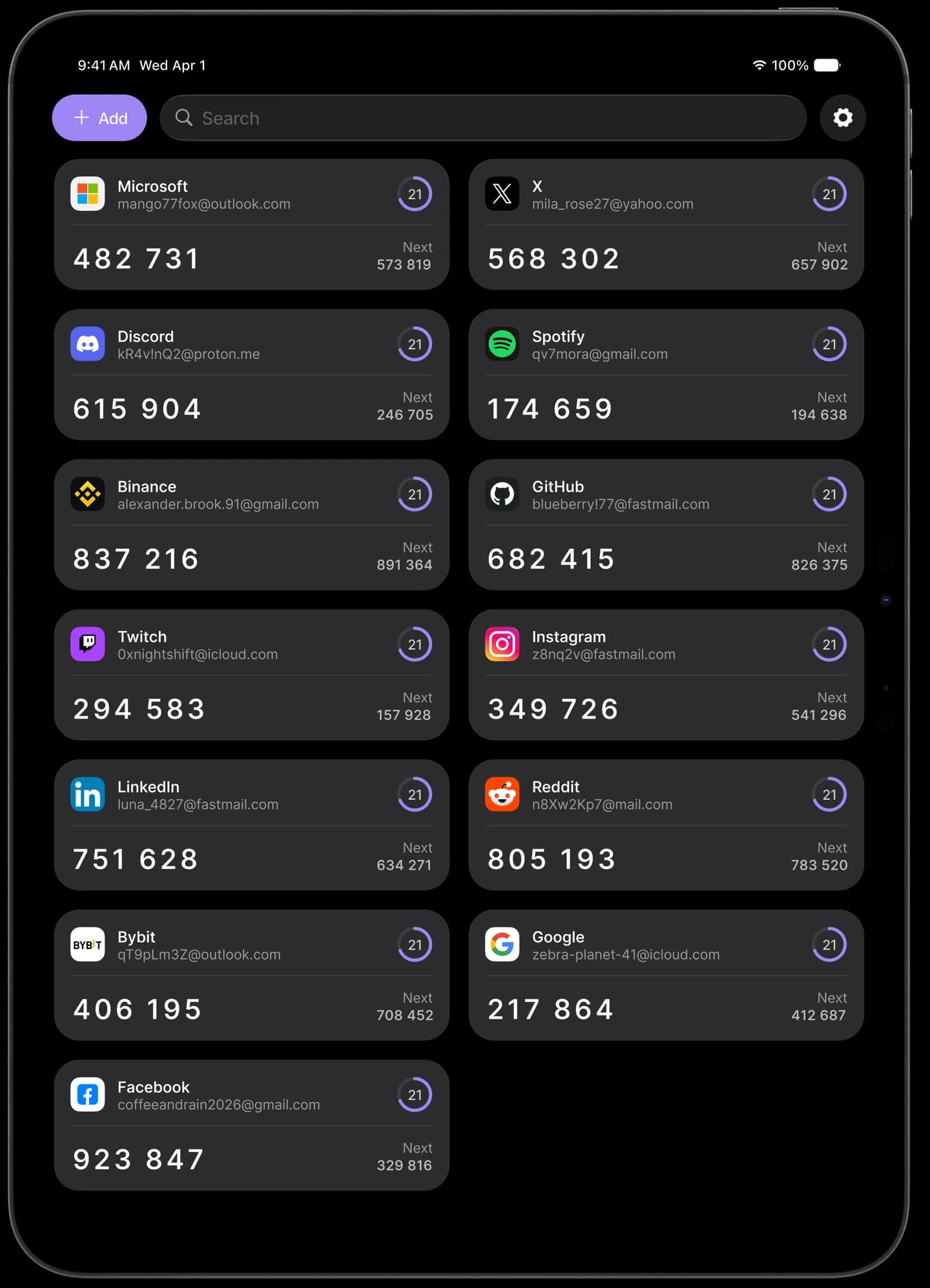
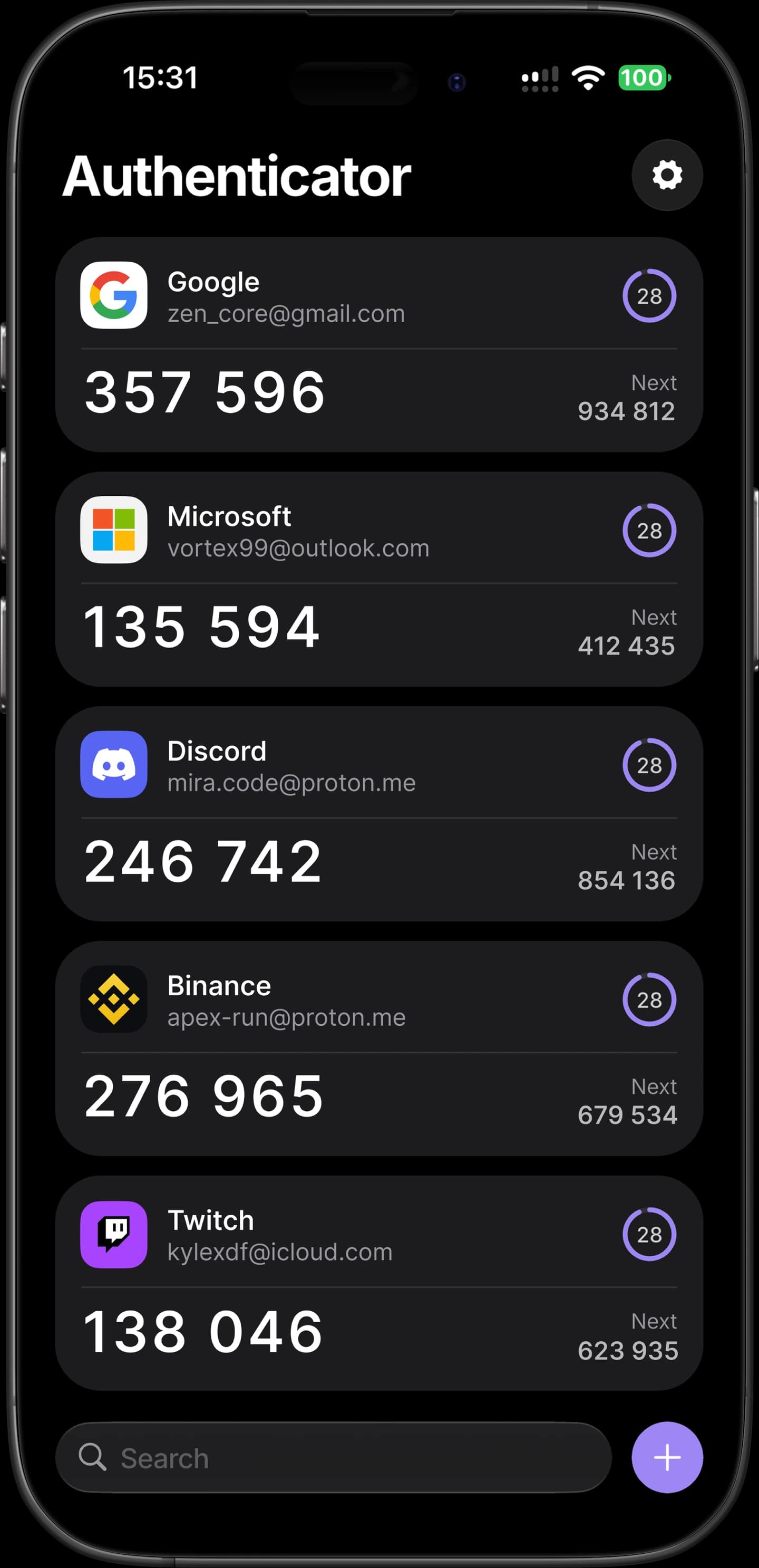
Your 2FA codes, under your control.
Sync your codes across devices, move accounts and control app security.
Sync across devices
Enable sync with a Kryon account to use one vault on several devices. Your data is transferred encrypted.
Optional backup
Save an extra copy of your codes in a password-protected file. You can restore it without a Kryon account.
Simple import
Move codes from Google Authenticator, 2FAS, Aegis and other apps with a QR code or a supported export file.
Biometric lock
Enable app lock with Face ID, Touch ID or a fingerprint on supported devices.
Standard TOTP codes
Works with services that support TOTP one-time codes. Add an account with a QR code or secret key.
Export your codes
Export your codes to a file. Set a password to protect the backup and move it to another device.
Start with a QR code.
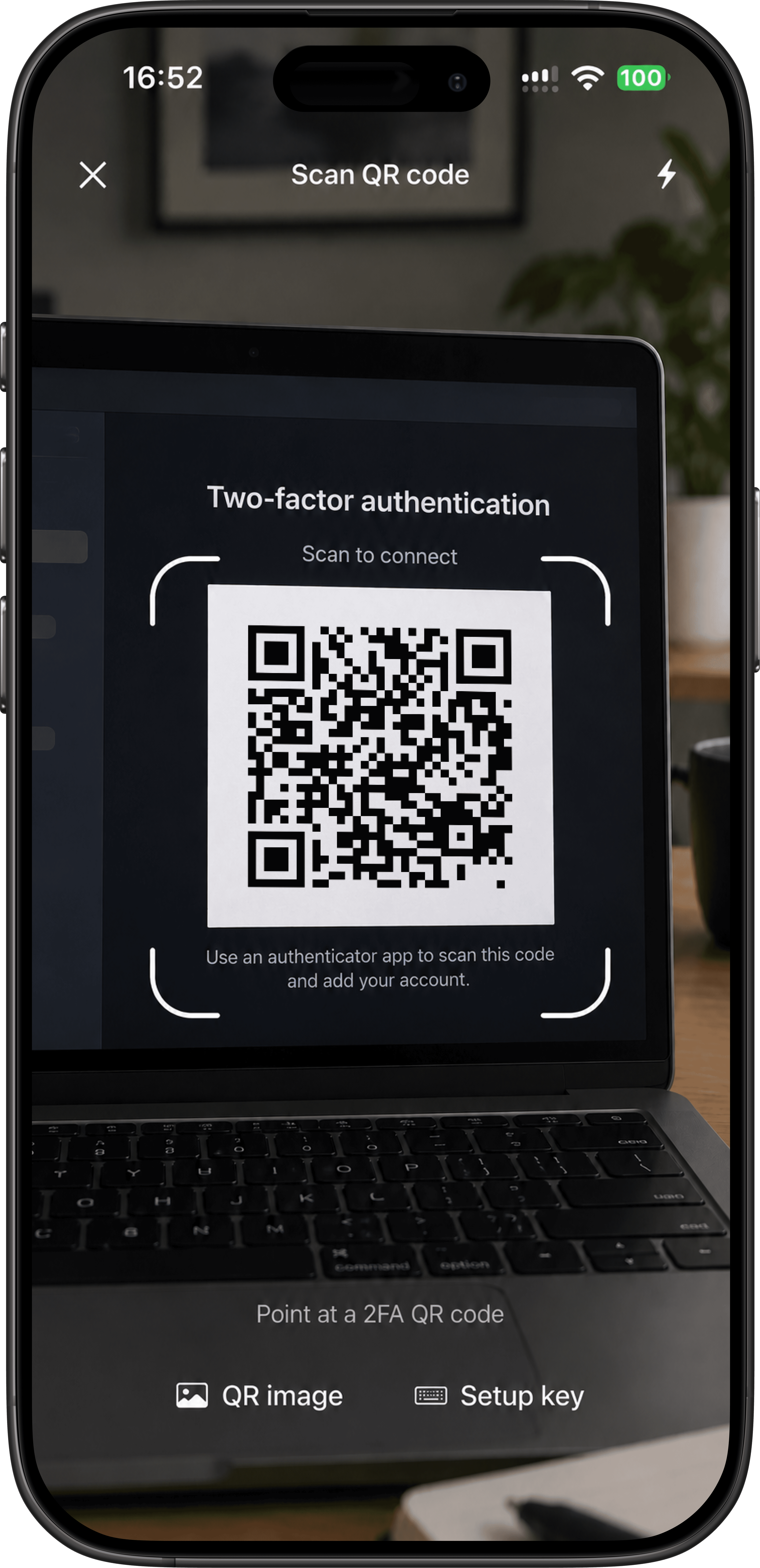
Scan a QR code, use your code at sign-in and turn on sync.
Scan the QR code
Enable two-factor authentication in the service’s settings and scan its QR code. The account will appear in Kryon.
Copy the code at sign-in
Tap an account to copy its current code. Paste it into the website or app when signing in.
Turn on sync
Connect your Kryon account to use the same codes across your devices.
Lose the phone.Keep the logins.
Turn on sync with your Kryon account. On a new device, sign in to the same account and unlock your vault to get your codes back.
One vault across your devices
Data is encrypted on your device before upload
A backup file is an additional option
12 accounts restored
Already using another app? Bring your codes.
Import your codes with a QR code or a supported export file. You can keep using your existing app while you make the switch.
- Google Authenticator
- 2FAS
- Ente Auth
- Aegis
- Bitwarden
- LastPass Authenticator
- Others




Even we cannot read your codes.
How your codes are protected in storage and during sync.
Encryption on your device
Account secrets are stored encrypted on your device. During sync, the server receives only encrypted data.
Unlock your vault
On a new device, sign in to your Kryon account and unlock your vault with your master password or recovery key.
Codes computed locally
Codes are computed on your device from the secret key and the time. Generation works without internet.
App lock
Enable app lock to protect the app when it leaves the foreground.
On every device you sign in from.
Apps for phones and computers. Browser extensions will follow.
iOS
Coming soon
Android
Coming soon
macOS
Coming soon
Windows
Coming soon
Chrome
Coming soon
Firefox
Coming soon
Questions
What people ask before moving their two-factor codes.
If sync was enabled, sign in to your Kryon account on a new device and unlock your vault with your master password or recovery key. A saved backup file is another way to restore your codes; an encrypted file requires its password. If you cannot access the vault and have no backup, use the services’ account recovery options.
Your first account is one QR code away.
Free to use. Connect your Kryon account to sync across devices. You can also start using codes without an account.