Strong passwords for every account
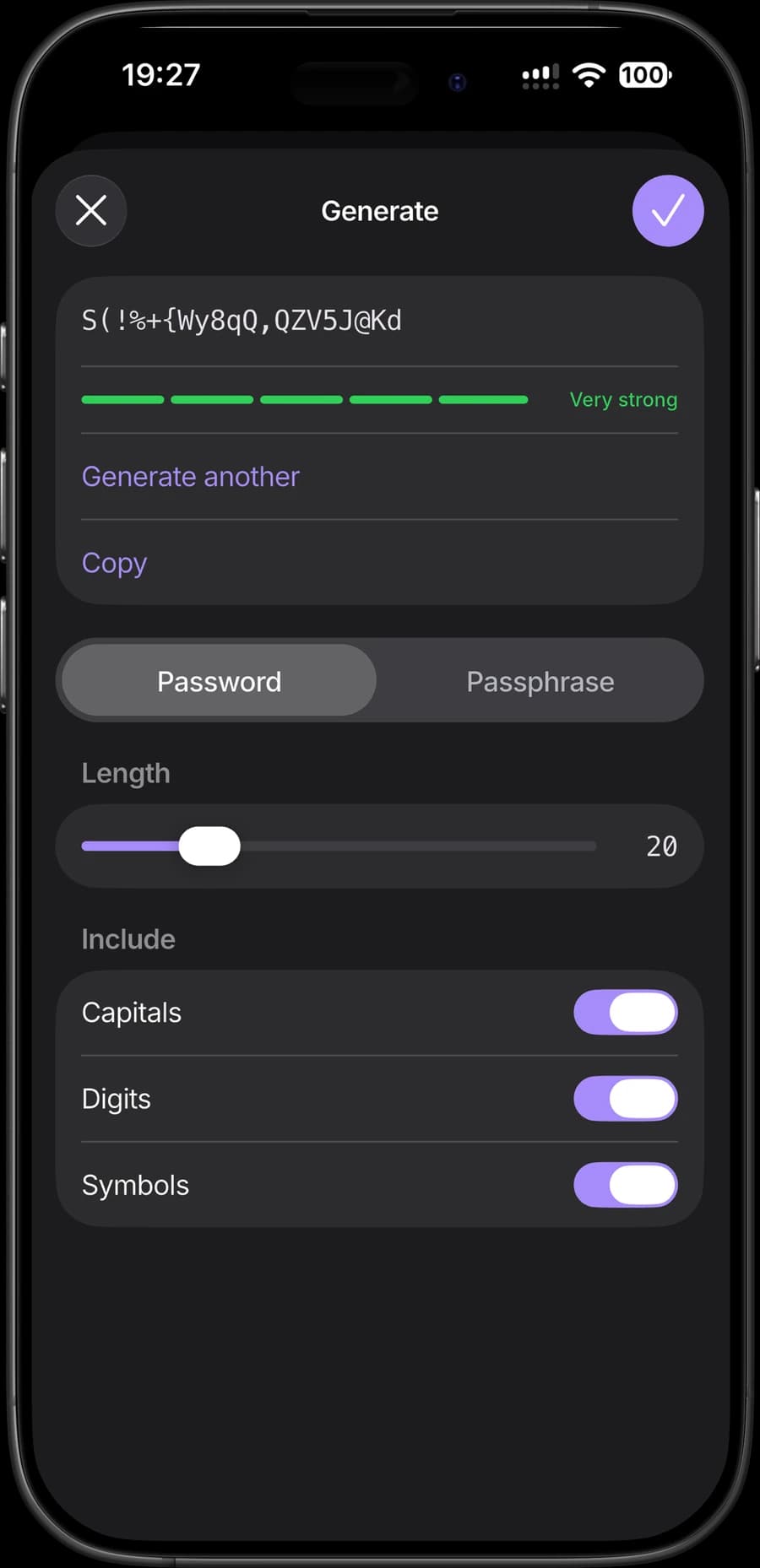
Choose the length and characters for each new password.
Generate strong passwords, store your important information and fill in logins with Kryon Pass.
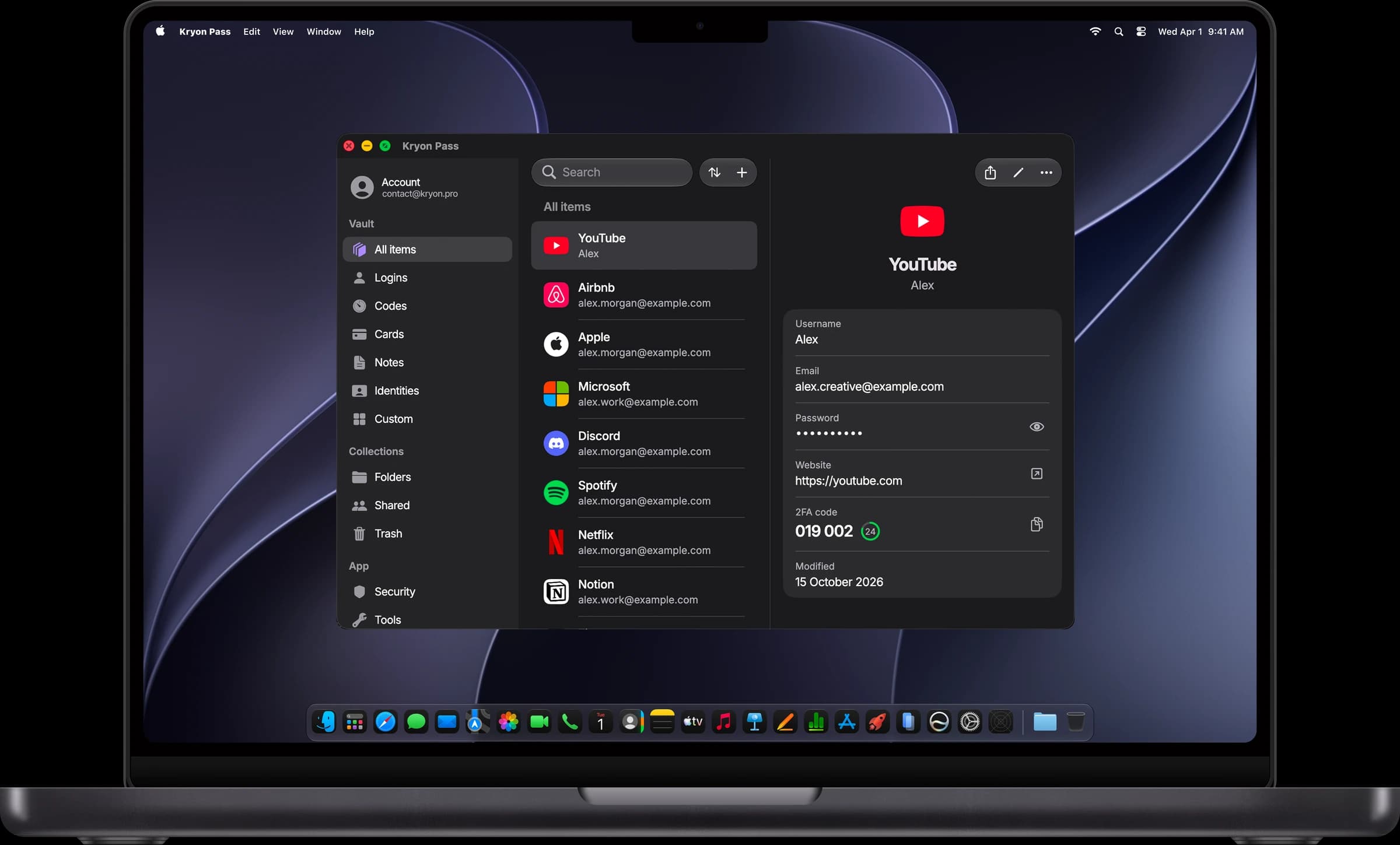
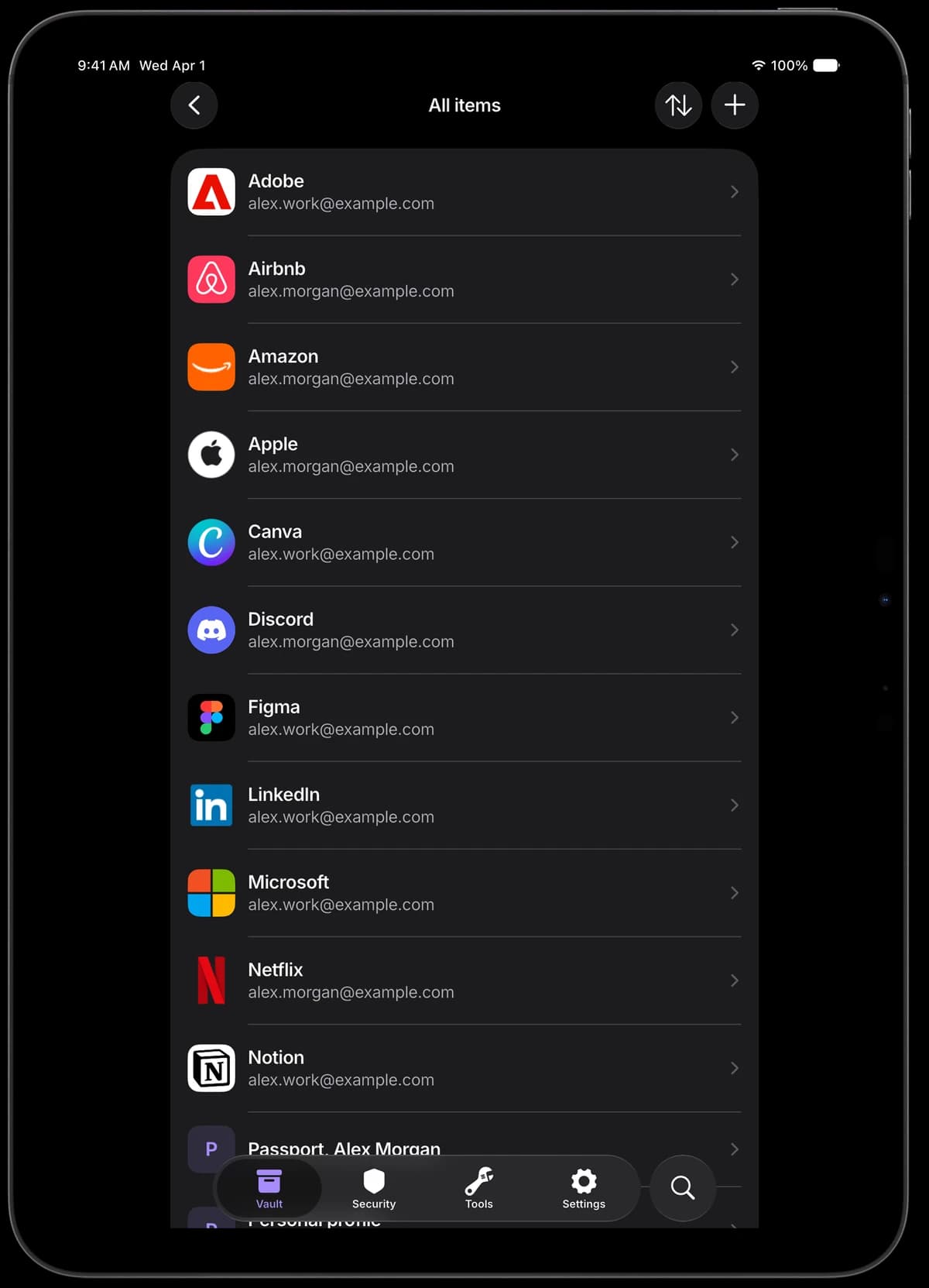
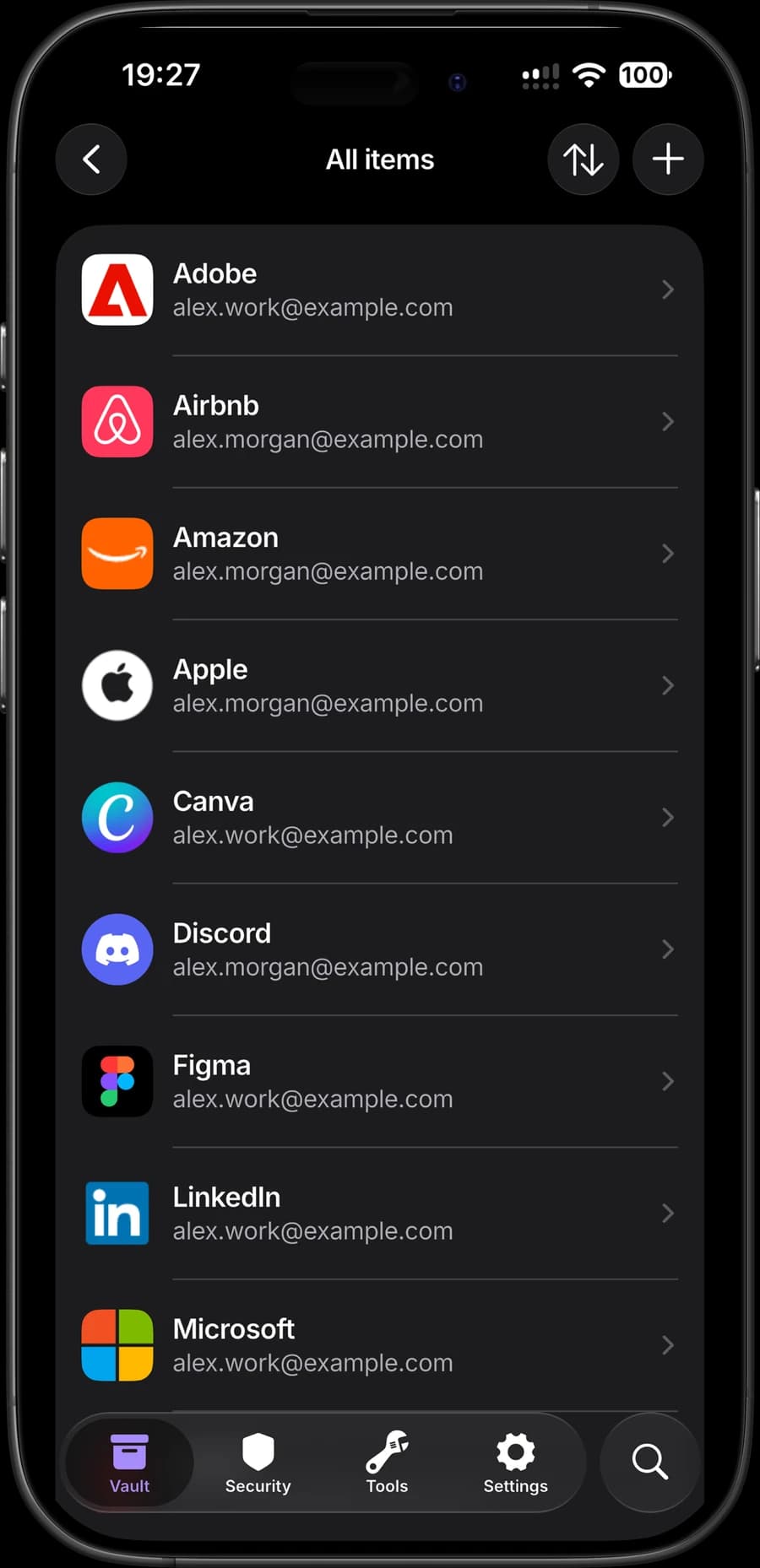
Create passwords, fill in logins and keep an eye on their security.
Choose the length and characters for each new password.
Keep your logins together and use autofill to sign in.
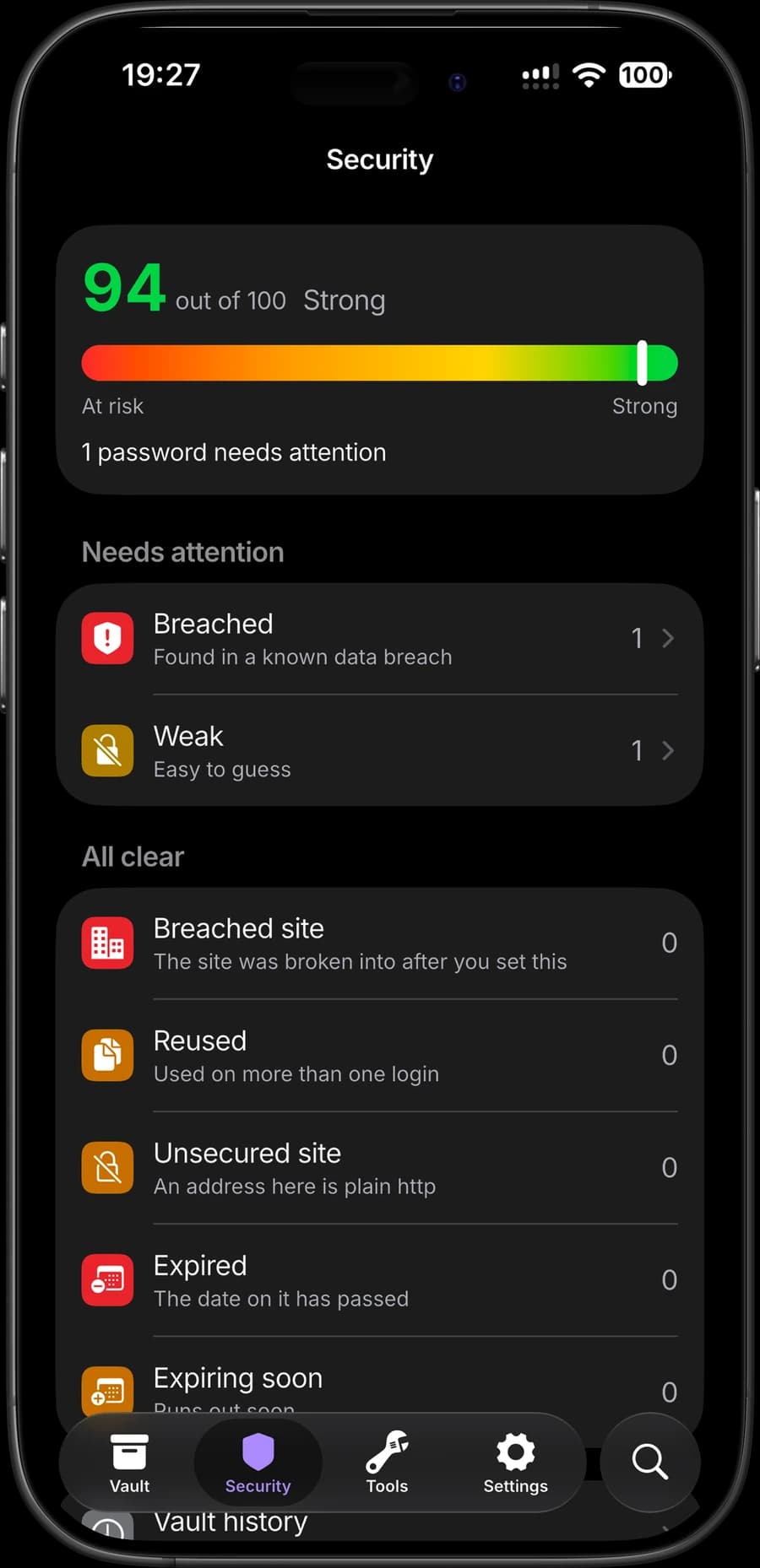
Spot weak passwords and logins affected by known breaches.
Keep important information in ready-made templates, or create records with your own fields.
Payment card details and private notes.
Passport, identity document and medical record details.
Bank accounts, wallets, membership cards and software licences.
Credentials for networks, servers and applications.
Start from scratch and add the fields you need.
Your vault is encrypted on your device before it is synced.
Your master password stays on your device. Kryon does not have the key needed to read your vault.
Authenticated encryption protects the contents of your vault. Each record is encrypted separately.
Vault records reach the server in encrypted form. They are decrypted in the app when you unlock your vault.
Protection is built on standard cryptographic algorithms and libraries.
Already using another password manager? Import your records into Pass from an export file.
Save records from your manager or browser in a supported format.
Open import in the app and select the file you prepared.
Make sure the records and fields you need have transferred correctly.
Mobile and desktop apps, plus browser extensions, are coming soon.
iOS
Coming soon
Android
Coming soon
macOS
Coming soon
Windows
Coming soon
Chrome
Coming soon
Firefox
Coming soon
Kryon cannot recover your master password. Keep it in a safe place and make sure you know it before moving to another device.