What is my IP address?
Check the public IP address, network and approximate location of this connection.
Your public IP address
216.73.216.174
- Location
- Approximate coordinates
- Network
- Time zone
- UTC offset
- Local time
Loading map…
Hide your IP with Kryon VPN
Connect through a VPN server and browse with a different public IP address.
What your IP address tells you
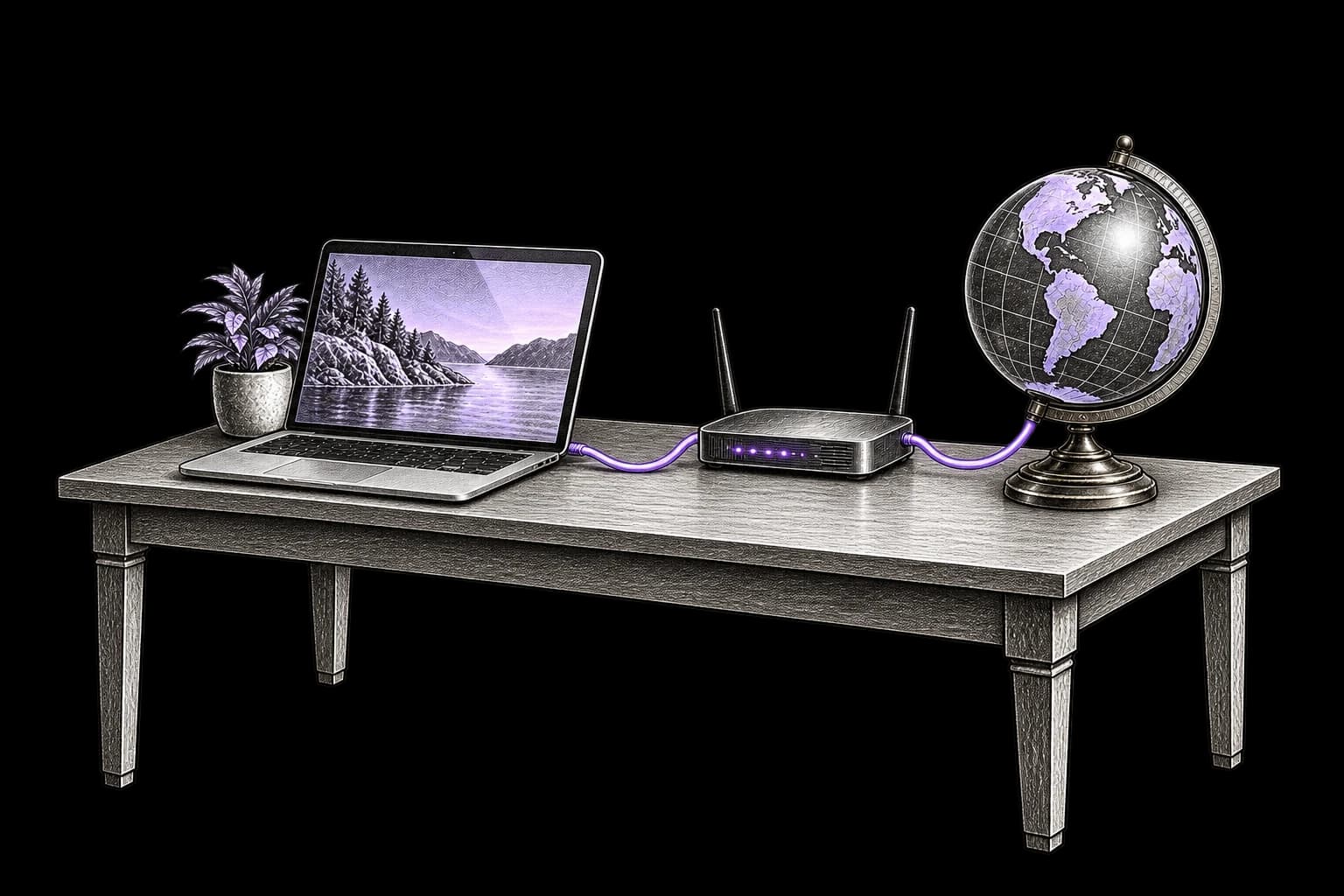
What is an IP address?
An IP address is a numeric network address that helps route data to its destination. The public address above is the one this browser uses to reach websites. With a VPN, proxy or relay, it may belong to that service rather than your internet provider.
Location and network, not your identity
An IP lookup can suggest a country, city and network operator. It does not normally reveal a name or street address. Websites can combine an IP with cookies, account activity and browser data to connect visits.
What a VPN changes
A VPN replaces your public IP for traffic routed through its server and encrypts that part of the connection. Your provider can still see that you connect to a VPN. Signing in to an account or accepting tracking cookies can still identify you.
How to check whether your VPN changes your IP
Compare the address for the same browser and connection before and after connecting. You do not need to share your original address with anyone.
Check before connecting
If it is safe for you to disconnect, switch off the VPN and check the address at the top of this page. Make a note of it for your own comparison.
Connect to your VPN
Choose a server in the VPN app and wait for the connection to finish. Check that this browser is included in the VPN connection.
Check again
Reload this page. A different IP means this browser request used a different public address. The displayed location may be approximate.
Different addresses, different purposes
IPv4 and IPv6 describe an address format. Public and local describe where an address is used. They are different distinctions.
IPv4
192.0.2.1Four numbers separated by dots. IPv4 addresses are often shared by several devices through a router, or by several customers through an internet provider.
IPv6
2001:db8::1A longer address written with hexadecimal numbers and colons. A connection can support both IPv4 and IPv6; which one a website sees depends on the route used.
Your public IP
The address websites see when this browser connects. It may belong to your provider, a VPN server or another relay. Several devices can use the same public IPv4 address.
Your local IP
The address used inside your home or office network, such as 192.168.1.10. It helps devices communicate with the router and each other. It usually differs from the public address above.
Hide your IP with Kryon VPN
Connect through a VPN server and browse with a different public IP address.
How to find the IP address on your device
For your public browser IP, use the result at the top of this page. To find the address assigned to a device on Wi-Fi or Ethernet, open its network settings.
Windows 10 and 11
- Open Settings, then Network & internet.
- Choose Wi-Fi and the connected network, or choose Ethernet for a wired connection.
- Open the connection properties and find IPv4 address. IPv6 details may also appear.
macOS
- Open the Apple menu, then System Settings and Network.
- Select your connected Wi-Fi or Ethernet service and open Details.
- Open TCP/IP to see the IP address assigned to this connection.
iPhone and iPad on Wi-Fi
- Open Settings and select Wi-Fi.
- Tap the information button beside the connected network.
- Find IP Address under IPv4 Address. If the network supports IPv6, those addresses may appear too.
Android on Wi-Fi
- Open Settings, then Network & internet or Connections.
- Open Internet or Wi-Fi and select the connected network.
- Open its details or advanced settings and find IP address. Menu names vary by device.
Linux and Raspberry Pi
- Open a terminal while connected to Wi-Fi or Ethernet.
- Run ip -brief address.
- Find your active Wi-Fi or Ethernet interface. The address appears before the slash; lo is the loopback interface.
PlayStation 4 and 5
- Open Settings, then Network.
- On PS5, select Connection Status, then View Connection Status. On PS4, select View Connection Status.
- Find IP Address to see the console address on your local network.
Xbox One and Series X|S
- Press the Xbox button, then open Profile & system → Settings.
- Select General → Network settings → Advanced settings.
- Find IP address in the connection details. This is the console address on your local network.
Nintendo Switch / Switch 2
- From the HOME Menu, open System Settings → Internet.
- Select Test Connection and wait for the results.
- Global IP Address shows the public IP of the console’s connection, rather than its local address on your home network.
Smart TV
- Open your TV settings and find Network or Connections.
- Select the active Wi-Fi or Ethernet connection and open its network information, status or IP settings.
- Find IP Address. This is usually the TV’s local address; menu names vary by model and operating system.
These settings usually show a local network address. On mobile data, or when checking the address websites see, use this page instead. A local IP is not a reliable way to check whether a VPN is working.
How to change your public IP address
The right method depends on whether you need a different address now or the same address every time you connect.
Use a VPN server
Connect to a VPN server, or switch to another server, then check again. Traffic included in that VPN connection uses its outgoing address. Check split tunnelling settings if the browser keeps its original IP.
Change your internet connection
Switching between Wi-Fi and mobile data often changes your public IP. Reconnecting a router may change a dynamic address, but the provider may assign the same one again. A static address normally stays the same.
Keep a dedicated address
If you need a stable IP for an access allowlist or remote work, a dedicated IP may be useful. Kryon Dedicated IP gives you a fixed VPN address for your devices and is used with a Kryon VPN subscription.
Questions about IP addresses
What people ask after seeing their address.
IP location comes from network databases, not GPS. Records may be out of date or point to a provider, a mobile gateway or a VPN server. The map is an estimate of the connection location, not the exact position of your device.